In an aerospace plant, MES alerts are most useful when aligned to three dimensions: severity of impact on safety or airworthiness, time sensitivity for the current operation, and which roles are authorized to act. Safety- or conformity-critical deviations should never rely on a single person or device; they should be visible at the station, the line, and to quality or manufacturing engineering at minimum. Lower-severity issues, such as minor schedule slips or non-blocking data gaps, can be targeted to planners or supervisors who can resolve them offline. The key is to design alert routing so that each alert lands with people who can legally, procedurally, and practically do something about it, within the constraints of your documented processes. This requires explicit mapping of alert types to procedures and responsibilities, not informal expectations.
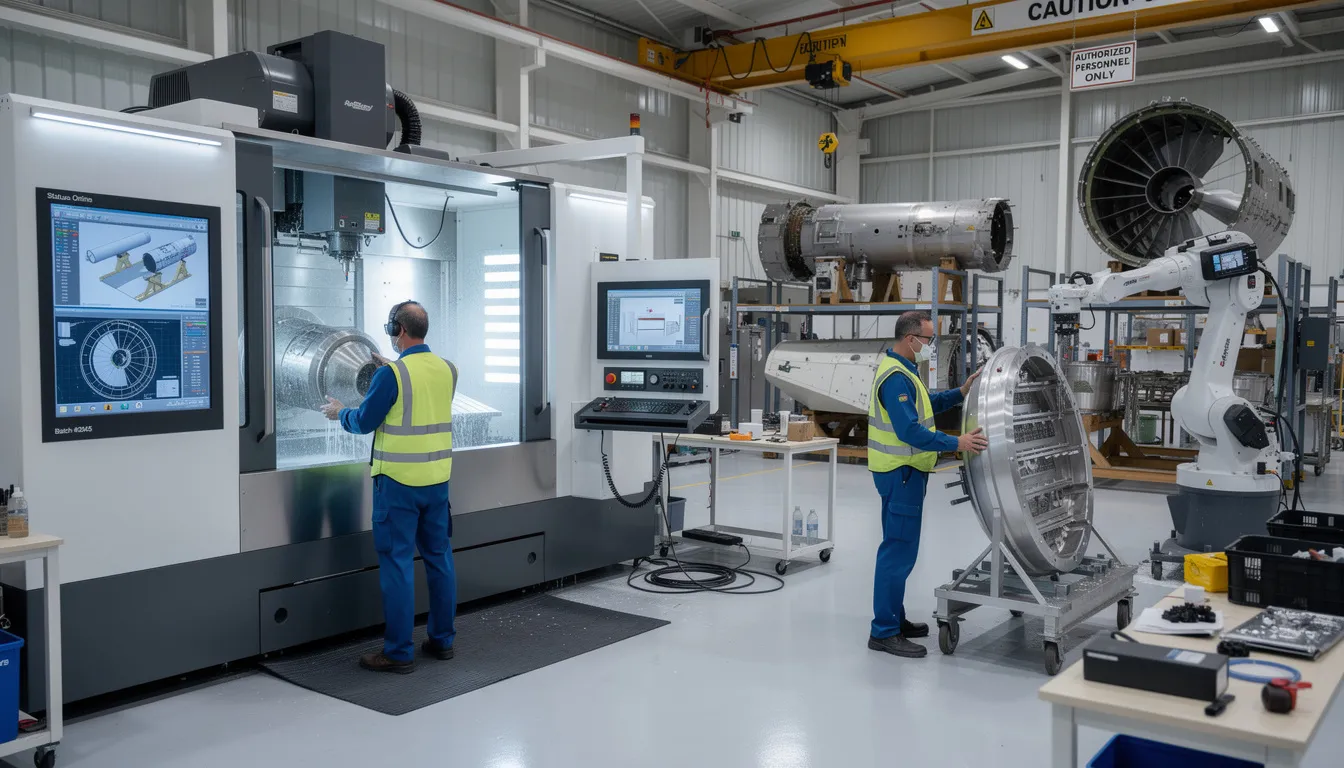
Line operators and technicians should receive alerts that directly affect the work they are performing now or in the next few steps. This typically includes hard stops on operations (e.g., missing mandatory inspection, wrong revision of work instructions, out-of-calibration tooling, expired material, or incomplete sign‑offs). They also need guidance-level alerts, such as changes to work instructions, updated torque values, or additional verification points that must be acknowledged before continuing. These alerts should be highly visible at the station (MES terminals, ANDON lights, local HMIs) and not buried in email or mobile apps that can be ignored. However, operators should not be flooded with system health, global schedule, or purely informational alerts they cannot influence, as this erodes trust and leads to systematic alert fatigue. Whatever operators receive should be validated as part of the defined workflow and reflected in training and standard work.
Supervisors and area leaders need alerts that indicate workflow disruption, resource constraints, or repeated operator-level issues. Typical examples include multiple consecutive holds on a given operation, recurring rework for the same defect type, excessive queue build‑up or starvation in a constrained cell, and staffing or skill coverage mismatches relative to the scheduled work. They should also receive alerts when escalation rules are triggered, such as when an operator-level alert is not resolved within a defined time, or when a deviation occurs on a critical part or program. For this audience, consolidation is important: a supervisor should see patterns and aggregated exceptions, not a copy of every single operator alert. Routing for this level often involves dashboards, shift handover reports, and targeted notifications, rather than constant pop‑ups that disrupt their coordination role.
Quality engineers and MRB teams should receive alerts when the MES detects confirmed or highly probable nonconformances, spec violations, or process drifts that could affect airworthiness or regulatory compliance. This includes failed inspections, repeated borderline measurements on critical characteristics, deviations from approved processes, use of unapproved or unverified materials, and potential escapes where downstream operations have already been executed. Alerts to quality should be tied to specific records in the MES, QMS, or NC/MRB system, preserving traceability and enabling formal disposition. Not every minor nonconformance warrants a real-time alert; many can flow through standard NC queues. The alerts worth pushing are those that require immediate containment, potential line stops, or cross‑functional coordination. In a brownfield stack, this often means integrating MES alerts with existing QMS workflows, rather than trying to replace those systems outright.
Manufacturing engineers and process owners should primarily receive alerts related to process performance, recurring deviations, and configuration issues, rather than individual shop-floor events. This includes repeated failures on the same operation, unexpected cycle time changes, use of obsolete routings or work instructions, drift in process capability on key characteristics, and tooling or fixture issues that generate repeat rework. These alerts are often better delivered as summarized exceptions or daily/weekly reports, with the ability to drill down into the underlying MES data. Real-time alerts for engineering should be reserved for events that demand immediate engineering action, such as an unplanned deviation request, an emergency process change, or discovery of an escape that requires rapid scope assessment. Any alerting here must align with formal change control and configuration management processes so that urgent action does not bypass required approvals.
Production planners, logistics, and program management need alerts when MES events materially affect schedule adherence, material availability, or configuration commitments to customers. Examples include critical WIP held at key gates, shortages that will miss committed dates, configuration mismatches detected between the MES and ERP or PLM, and late or missing operations that threaten contractual milestones. These alerts are typically less time-critical than operator-level stops but higher impact in terms of cost and customer commitments. Routing should focus on planners and program owners responsible for the affected lines or contracts, not broadcast messages to everyone. In many aerospace environments, these alerts require careful integration between MES, ERP, and PLM, and will only be reliable if master data and configuration rules are consistently maintained and validated.
Maintenance and IT/OT teams should receive alerts for equipment and system health that affect MES availability or data integrity, not detailed production content. This includes machine connectivity losses, sensor or data dropouts for critical measurements, station or terminal failures, and performance degradation that threatens real-time operation. Maintenance may also need alerts about asset conditions that affect process capability or calibration intervals, particularly when MES is being used to enforce calibration adherence. IT/OT should see alerts for interface failures between MES and ERP, QMS, PLM, or historians that can compromise traceability or cause data misalignment. These alerts should be routed through existing incident and service management processes where they exist, rather than creating a parallel ad‑hoc channel in the MES. In brownfield plants, this often means integrating MES event streams into existing monitoring tools instead of trying to make MES the master monitoring system.
Across all roles, one of the biggest risks is alert fatigue: if too many alerts are pushed, or if many are low quality or unactionable, people will begin to ignore them. In aerospace environments, modifying alert logic can be a controlled, validated change, especially when alerts affect process holds, sign‑offs, or quality decisions. This means you cannot iterate alerting logic casually; you need documented criteria for creating, modifying, and retiring alert types, with clear owners and change control. A practical pattern is to start with a minimal, high‑severity alert set, measure how they are used, and add more only where experience shows clear value. You should also separate alerts that affect regulatory or customer commitments from internal improvement signals, and treat the former with stricter governance and testing. Periodic review of alert performance, including false positives and missed events, should be built into your continuous improvement practices.
In most aerospace plants, MES is only one of several systems generating alerts: ERP may raise material and schedule warnings, QMS handles nonconformances, PLM flags configuration issues, and various equipment and historian systems raise technical alarms. Attempting to fully replace all existing alerting with a new MES layer usually fails due to validation burden, integration complexity, and the risk of disrupting already-qualified workflows. A more realistic strategy is to clarify which system is authoritative for each alert type, then have MES consume or reference those events where needed for operator guidance. This may mean that some alerts remain native to ERP or QMS, with MES only displaying their status or enforcing holds, rather than originating them. Any consolidation of alerts should be done incrementally and documented in a cross-system responsibility matrix so that ownership, escalation paths, and traceability are clear.
To decide who should receive which MES alerts in your plant, you will likely need to create a simple matrix that maps alert categories to roles, channels, and escalation logic. For each alert type, define: what event triggers it, which system is the source of truth, who is responsible for first response, how and where it is delivered (terminal, ANDON, email, ticket, etc.), and what happens if there is no response within a set time. This matrix should be aligned with your documented responsibilities and authority in procedures and work instructions, not just informal expectations. You should also define which alerts are safety-, quality-, or airworthiness-critical and treat them differently in terms of redundancy, testing, and change control. Once defined, the routing design itself may need to be captured as a controlled document and updated through formal change processes as your MES and integrations evolve.


Whether you're managing 1 site or 100, Connect 981 adapts to your environment and scales with your needs—without the complexity of traditional systems.



Whether you're managing 1 site or 100, C-981 adapts to your environment and scales with your needs—without the complexity of traditional systems.